
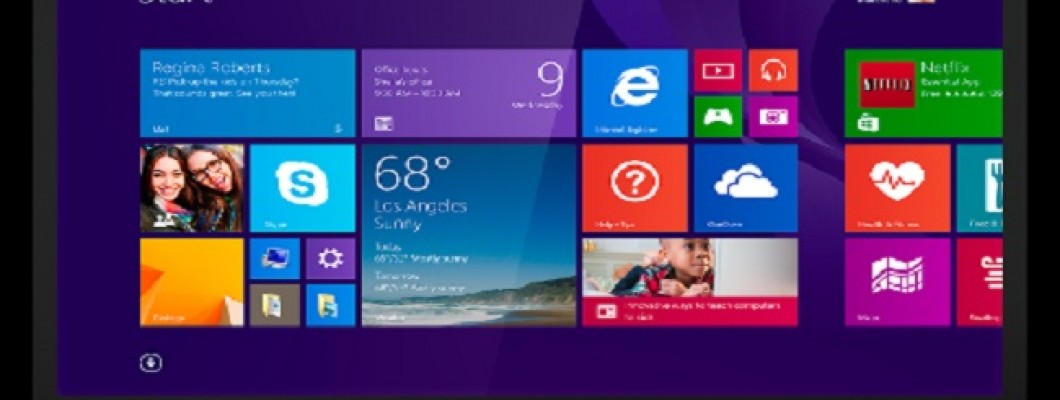
Bilgisayara Format Atma Rehberi
Bilgisayarlar, modern yaşamın vazgeçilmez araçları arasında yer alır. Ancak, zamanla ortaya çıkan yazılım problemleri cihazın performansını olumsuz etkileyebilir. Bu tür durumlarda, bilgisayara format atmak etkili bir çözüm olabilir.
Format Nedir?
Format, bilgisayarın işletim sisteminin yeniden yüklenmesi işlemine verilen isimdir. Bu işlem, zamanla yüklenen programlar ve dosyaların neden olduğu yavaşlamaları ortadan kaldırarak bilgisayarın performansını artırır. Format atma işlemi için iki yöntem bulunur: CD veya USB kullanımı. CD en sık tercih edilen yöntemlerden biri olsa da, USB aracılığıyla da format işlemi gerçekleştirilebilir.
Bilgisayara Format Nasıl Atılır?
Bilgisayarın yaşadığı arızalar donanımsal ya da yazılımsal olabilir. Eğer sorun donanımdan kaynaklanmıyorsa, format atmak genellikle çözüm sunar. Format atma işlemi şu adımlarla yapılabilir:
- Format için hazırladığınız USB veya CD’yi bilgisayara takın.
- Bilgisayar açılırken F8 tuşuna basarak boot menüsüne erişin ve USB veya CD’yi seçin.
- İşletim sistemi kurulum ekranına geldiğinizde, talimatları takip ederek kurulumu başlatın.
- Format öncesinde tüm dosyalarınızın silineceğini unutmayın. Önemli dosyalarınızı yedeklemelisiniz.
En Kolay Format Yöntemleri
Format işlemi için uygun bir işletim sistemi kurulum dosyasına ihtiyacınız olacaktır. İşlem tamamlandığında tüm dosyalar silineceği için yedekleme yapmak şarttır. Bu yöntem, yazılım problemlerini çözmenin yanı sıra bilgisayarınızı kötü amaçlı yazılımlardan temizlemek ve performansını artırmak için idealdir.
Linux İşletim Sisteminde Format Atma
Linux kullanıcıları için format işlemi, Windows’a kıyasla biraz farklıdır. BIOS ayarlarını düzenledikten sonra, hazırlanan kurulum medyası ile sistemi sıfırlayabilirsiniz. Format sırasında lisans anahtarlarınızı ve yedek dosyalarınızı hazır bulundurmanız önemlidir.
Eğer format işlemi sırasında zorluk yaşarsanız, bir uzmandan destek almayı düşünebilirsiniz.



















Bir Yorum Yaz