
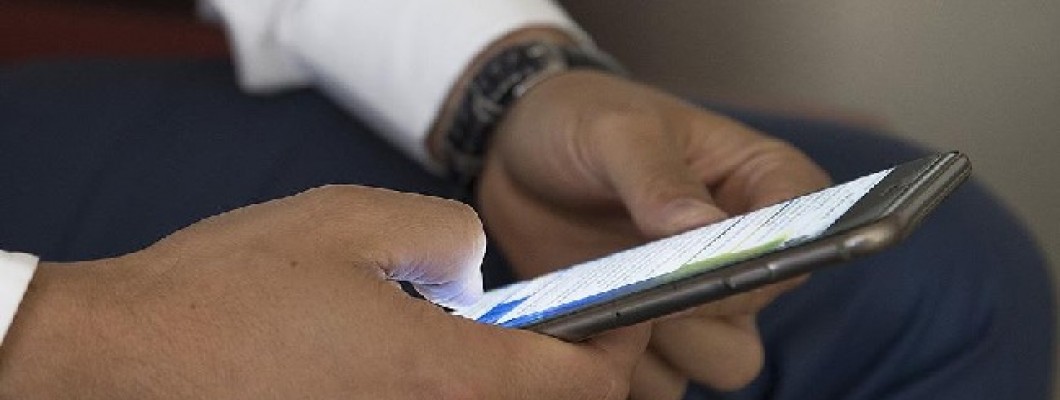
Mobile Phone Access to Restricted Sites DNS
Nowadays, many efforts are being made to prevent internet browsing. One of these is access bans on websites. In such cases, you can use DNS addresses to bypass the block. Although changing DNS via computer is quite familiar, this is not the same for mobile phone DNS.
It does not matter which Android version your device is for changing DNS. You can perform this operation in all versions. Also, your device does not need to be rooted for this process. For this process, you just need to be connected to a Wi-Fi network. To change DNS while using your mobile internet, your device must be rooted.
What is DNS?
DNS (Domain Name System) is a service that translates domain names, such as example.com, into IP addresses, which are the numbers that computers use to communicate with each other. DNS settings are usually configured automatically on mobile phones, but you can also change them manually.
How to Change Mobile Phone DNS?
There are many ways to enter restricted sites. One of these is DNS change. There are certain steps to change DNS on a mobile phone. First, you need to turn on wireless connection by going to the settings menu of your Android device. After connecting to the wireless internet for which you want to change the DNS setting, you should check whether the network is OK or not.
Press and hold on the internet you want to use and select change network from the menu that opens. On the screen that opens, click Show advanced options. If the network's DNS setting has not been changed before, it will say "DHCP" by default. You should change this option to static. After this step, enter the DNS address you want to use in the DNS1 and DNS2 boxes below. After saving what you have done and completing the process, you must turn off and on your internet connection. After all these procedures, your device will access banned sites without any problems.
In addition, you can change DNS on any device such as a computer, phone or tablet. However, this process varies depending on operating systems and device.
Some of the most popular DNS server addresses are: You can perform operations as Google DNS: 8.8.8.8 and 8.8.4.4, Cloudflare DNS: 1.1.1.1 and 1.0.0.1, Quad9 DNS: 9.9.9.9 and 149.112.112.112, OpenDNS: 208.67.222.222 and 208.67.220.220.
Why is Mobile Phone DNS Change Done?
As the use of technology in daily life increases, the priority of mobile phones also increases. This gives rise to new needs. There are several reasons that can be achieved by changing the DNS settings of the mobile phone.
Sometimes you may not be able to open every site on the internet with the DNS settings on the internet you use. In such cases, DNS change is required. This replacement process varies for Windows, IOS and Android systems. Another reason for changing DNS is to increase security and speed. This way, you can get a faster and safer internet. Another reason is to block unwanted content. You can block unwanted content by changing DNS.
Changing your mobile phone's DNS settings may affect your browsing experience. If you encounter any problems, you can always revert to your default DNS settings.










Leave a Comment