
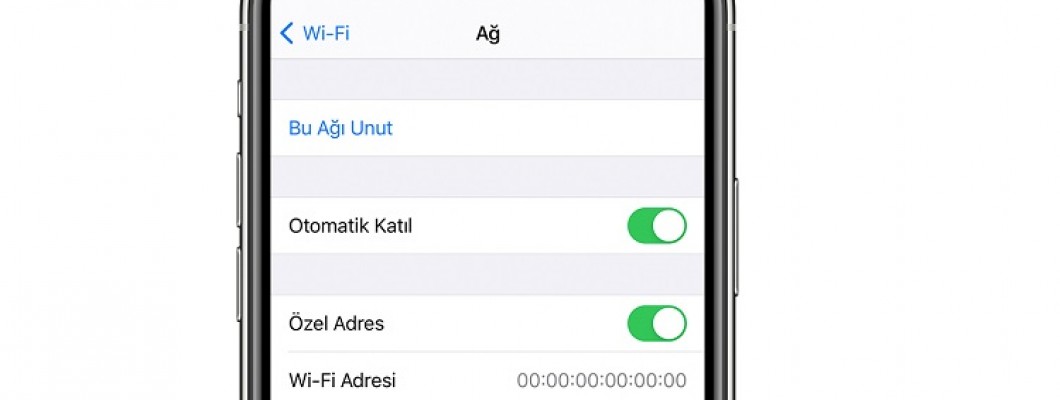
iPhone Won't Connect to Wi-Fi: Problem and Solution
The issue of an iPhone not connecting to Wi-Fi is a situation sometimes experienced by iPhone users. Even when no changes have been made to the phone's Wi-Fi settings, iPhone users report that their phones are unable to connect to Wi-Fi. When there is a problem with the network connection on iPhones, a small yellow exclamation mark symbol appears below the network name. This symbol indicates that there is an issue with the iPhone's network connection. If you find yourself in such a situation, why does the iPhone won't connect to Wi-Fi problem occur, and how can it be resolved?
Why Does the iPhone Network Connection Issue Occur?
Sometimes, the iPhone network connection problem is due to a hardware issue within the iPhone. In this case, the phone's network connection may drop without any action on your part, and no matter what you do, it won't recover. In such a situation, the only thing you should do is send your phone to technical service. However, the phone can also lose its network connection periodically without a hardware problem. This is often due to occasional software bugs that occur in the iPhone. If the error is software-related, you can fix it with a few steps.
Solution for iPhone Won't Connect to Wi-Fi
The solution to the iPhone connection problem can be easily resolved in a few steps. First, ensure that your Wi-Fi connection is lost and that this issue is iPhone-related, not network-related. You can try connecting to a few different Wi-Fi networks for this confirmation. Once you are certain the connection issue is iPhone-related, here's what you need to do to establish an iPhone network connection:
Go to the Settings section of your iPhone, then tap on General, and then look for the Reset option (or Transfer or Reset iPhone > Reset on newer iOS versions).
From the Reset menu, select Reset Network Settings.
Your phone will restart. You will need to enter your passcode to open your phone again.
By resetting network settings, all previously saved Wi-Fi networks will be deleted.
Try connecting by re-entering the password for the Wi-Fi network you want to connect to.
If the iPhone connects to the Wi-Fi network without any issues, the Wi-Fi connection problem is not hardware-related. These are the steps you should follow if you encounter such a situation again. However, remember that you have reset all network settings on your phone. This may also cause your saved passwords for previously logged-in websites to be lost. Therefore, it is not recommended to reset network settings if you are not actively experiencing a Wi-Fi issue.
Deritel is an Apple iPhone accessories brand.



















Leave a Comment